



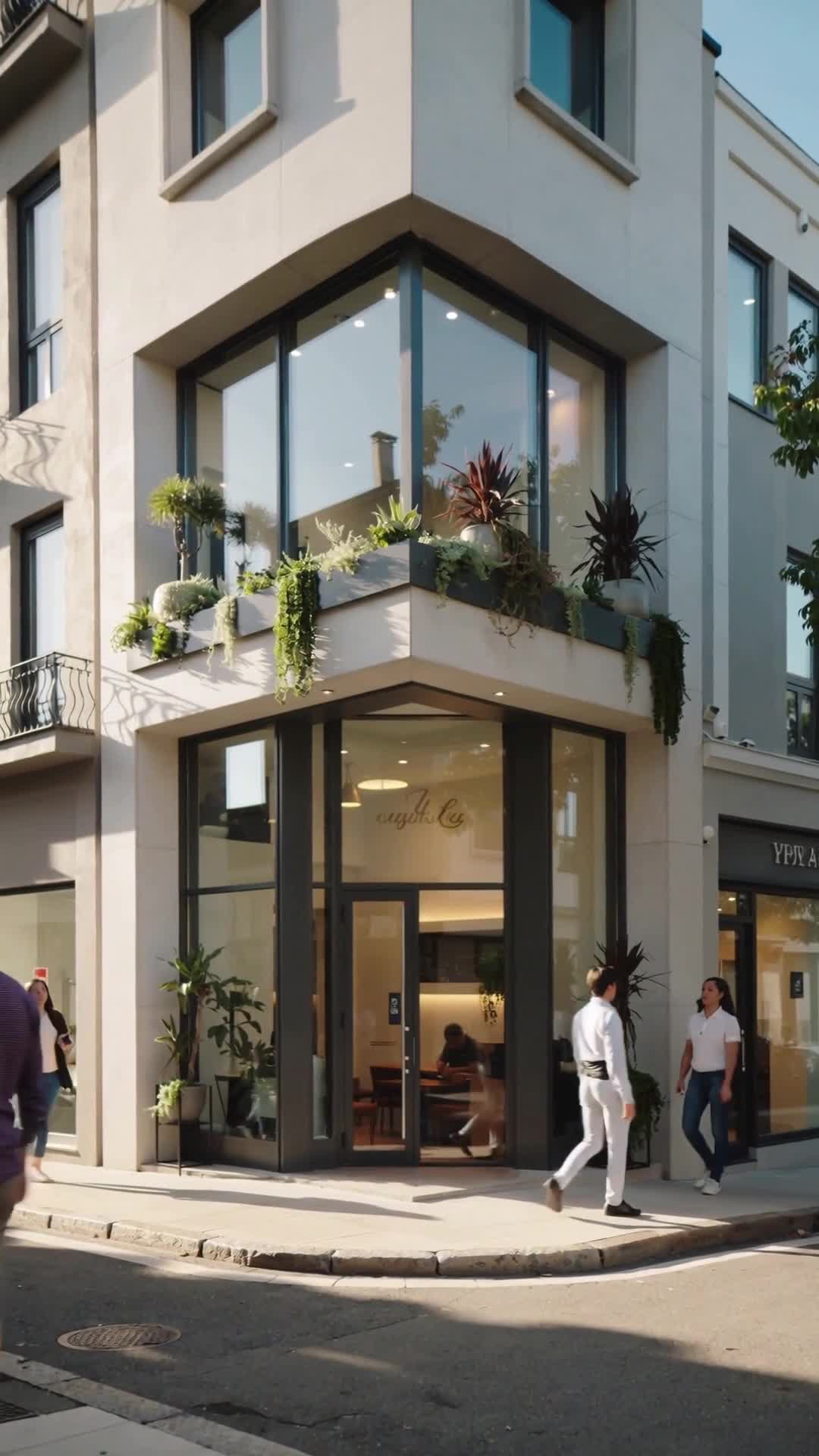


Market your property in minutes: an AI video made from your listing photos

The scenes of this vertical video come from the listing's photos, and the voiceover was generated with AI. No photographer, camera or editing involved.
How to make a video like this yourself with Ommini:
1. Sign in at ommini.com and open Generate Video from the side menu.
2. Choose Pipeline Video.
3. Describe your listing briefly in the Video Topic box. Example: Mediterranean-style home for sale; pool, living room, kitchen, bedroom.
4. Choose the Product Showcase template, 5 scenes (~25s) and the 9:16 (Reels) aspect ratio.
5. Turn on AI Voiceover and pick a voice. This video uses Male (Professional).
6. Click Create Script. In the preview, use Scene image to add your listing photo to each scene; edit the narration text if you like.
7. Click Confirm and Generate. Your vertical video for Reels, Shorts and TikTok is ready in a few minutes.
🎬 Create your own video with Ommini: https://ommini.com/en/yapay-zeka-video-olusturma.html?utm_source=youtube-en
📱 iOS: https://apps.apple.com/app/id
